Payment Processing Services — Terminals, POS, Mobile & Online | BPS

Business Payment Systems

Everything to take cards — with someone who picks up.

Terminals, mobile, online, and POS with next-day funding. When a deposit or terminal fails, you get Michael — not a ticket.

5.0 Google 77 local reviews Next-day funding No long-term contracts

Business Payment Systems

Michael Pacheco

Reviewed by Michael Pacheco — usually within a day

Start with your statement

Send your latest merchant statement (PDF or photo). Michael shows whether switching is worth it — in plain English.

  • Your true effective rate vs the rate you were quoted
  • Where interchange, markup, and junk fees sit
  • Which setup fits — and a plain yes / no / not yet on switching

Free · No contracts · Keep most existing equipment

★★★★★
Had an issue with our POS terminal and Michael had it resolved in minutes over the phone. He actually picks up.
Mireya Lopez · Verified Google Review

Texas & nearby

Built for real counters and shops — not a call-center script.

Find your setup

Match the picture to how you take money

Tap a path below — or scroll. Most owners need one primary setup. Many need two on one account.

Ways to take cards

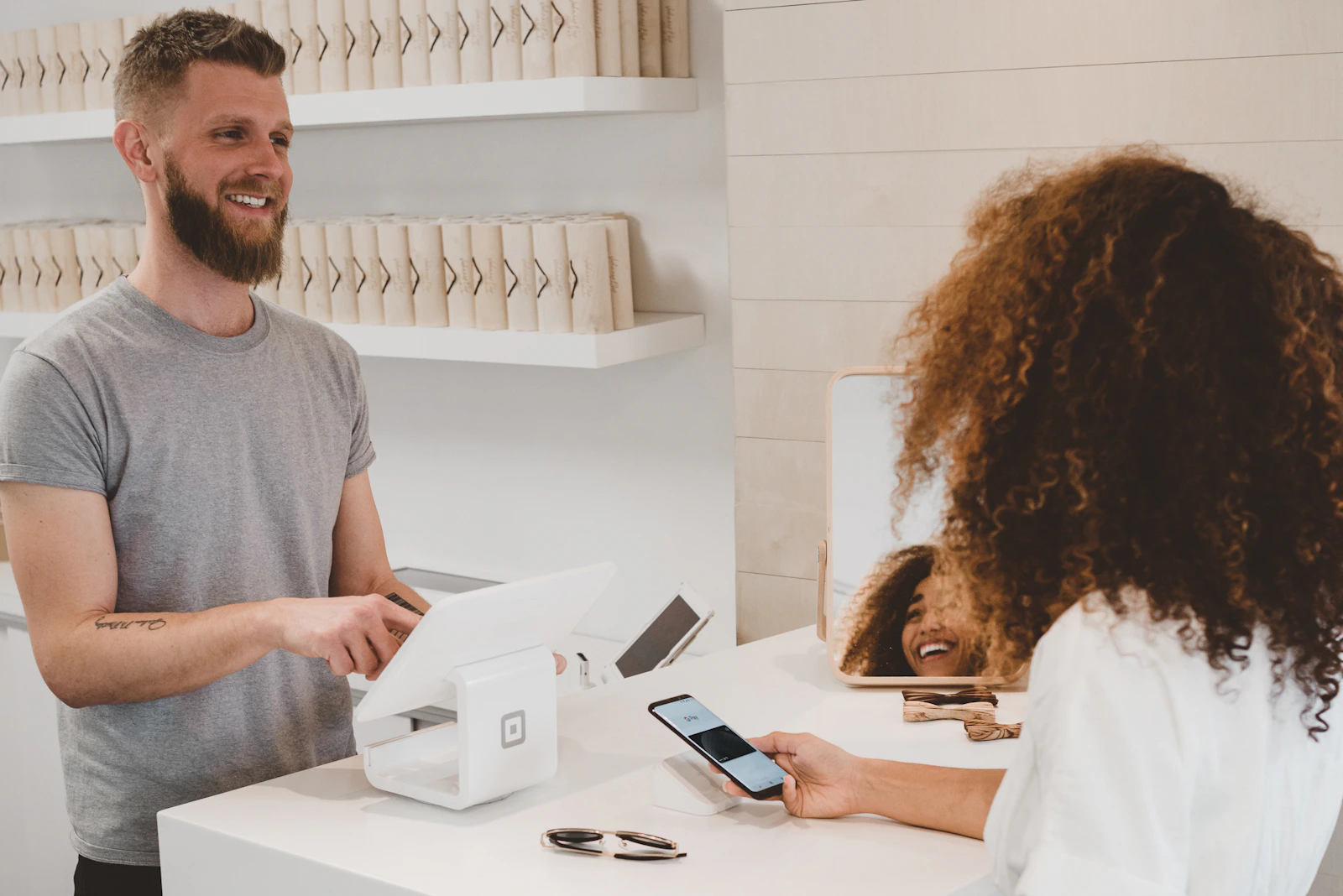
Customer tapping to pay at a retail counter

If you mostly use a counter or register

01 In-store terminals

Chip, tap, and wallets at a fixed spot. EMV handled. Many keep hardware they already own — if a new device is smarter, you hear that before you switch.

Setup help + a direct line when a terminal will not wake up on a Friday.

Customer paying with a phone at a checkout

If you take cards on the move

02 Mobile & tap-to-pay

Phone or tablet on the job site, driveway, market, or floor. Tap to Pay on iPhone with no extra dongle when that fits. Same deposits as your counter on one account.

App setup guidance + how to take a payment when Wi‑Fi is spotty.

Paying online with a card and laptop

If you bill online, by phone, or by invoice

03 Online & e-commerce

Website checkout, keyed phone payments, or a secure pay-by-link customers open on their phone. Recurring billing when you need it — PCI-friendly from day one.

Help choosing checkout vs invoice vs virtual terminal.

Invoicing & virtual terminal — send a pay link, key a card on the phone, or run a virtual terminal when the customer is not in front of you.

Recurring & subscriptions — memberships, retainers, and installment plans on a schedule you control.

Staff using a tablet POS at a boutique counter

If you need tables, inventory, or staff roles

04 POS systems

More than taking a card — menus, inventory, tips, reporting, and who can void what. Built for restaurants and busier retail, with clear processing and local support.

A walkthrough of what you need on day one vs what can wait.

Always on your account

Reviewing business documents and figures

On every setup we place

05 Next-day funding

Qualified sales typically deposit the next business day. If a deposit looks short or late, you call Michael and get a real answer the same day — not a ticket queue.

Help reading deposits against batches so “missing money” gets found fast.

Handheld payment terminal showing a clear total

When a customer dispute hits

06 Chargeback & dispute help

Deadlines are short. We help you respond on time, pull the right evidence, and fight unfair ones — walked through on the phone.

A simple checklist of what to save now so the next dispute is easier.

Customer paying with a card at a cafe counter

If you do a mix — or you are brand new

07 Hybrid setups & Square

Counter + mobile, or terminal + invoices, on one account is common. Starting from zero? Square through BPS — flat rates, no monthly fee, local help. Already processing? Use the free checkup.

One account around how cash actually flows — not six separate vendors.

Not sure which fits? That’s exactly what the free checkup answers.

How it works

Three steps. No mystery.

You do not need the “right” equipment first — that is what the checkup is for.

  1. 01

    Send a statement

    Fee pages, volume, and rate — PDF or a clear photo to (575) 779-5505. Brand new? Describe how you take cards (or want to).

  2. 02

    Get a clear recommendation

    True rate, savings if any, early-exit risk with your current provider if it matters, and the setup that fits.

  3. 03

    Go live with backup

    Switch when ready. Most keep existing gear. After go-live, you still have Michael’s cell for deposits, chargebacks, and broken-terminal mornings.

With every setup: a person who picks up · straight answers on cost · no long-term lock-in

Who you get

A real person behind every setup

Equipment is only half of it. When something breaks at 7am, you reach Michael — not a ticket number.

01

Local Texas support

Call or text (575) 779-5505. Deposits, terminals, chargebacks — same person who set you up.

02

Straight answers on cost

True rate vs markup in plain English. If your current setup is already fair, he’ll say so.

★★★★★
Two years in and our costs have stayed consistently lower. Upfront from day one — no surprises on the statement, ever.
Jacinto Cano III · Verified Google Review
Michael Pacheco, Business Payment Systems
Michael Pacheco — your person on the other end of the line.
Common questions

What owners ask before they switch

Short answers — so you can decide without a sales maze.

What is a “true rate”?
Not the teaser on a flyer. Your true (effective) rate is total processing cost ÷ card volume — including interchange, markup, PCI, statement, and junk fees. That is the number that matters.
Do I need new equipment?
Often no. Many terminals and readers keep working with us. If something needs replacing, Michael tells you before you switch — including rough cost.
Will my current processor charge me to leave?
Some still use early termination fees or equipment leases. The checkup spots that risk. If leaving is expensive right now, he will say “wait” or “renegotiate” instead of pushing a bad switch.
How fast can we go live?
After underwriting, many merchants take cards within a few business days. Timing depends on your current processor, equipment, and whether you need a new POS vs a simple terminal re-point.
Can I run counter + online on one account?
Yes — that is common. One merchant account can cover a terminal, mobile, and invoices/online so deposits and reporting stay in one place.
I’m brand new — no statement. What then?
Start with Square through BPS (flat rates, no monthly fee, local help), or call Michael and describe your business. He will point you to the simplest first setup.

Want a setup that holds up on a Friday?

Send one statement. You’ll know your rate — and what to run — usually within a day.

Starting fresh? Open Square through BPS →